Creating a productive home workspace is essential for anyone working remotely or juggling tasks from home. A well-designed area can help you focus better, stay organized, and maintain a healthy work-life balance. Whether you have a dedicated room or just a small corner, these simple tips will guide you in setting up a workspace that works for you.
Why a Productive Home Workspace Matters
Working from home comes with unique challenges, such as distractions and blurred boundaries between work and personal time. A thoughtfully arranged workspace can help you separate work from relaxation, making it easier to concentrate and manage your day efficiently.
Choose the Right Location
Find a Quiet, Low-Traffic Area
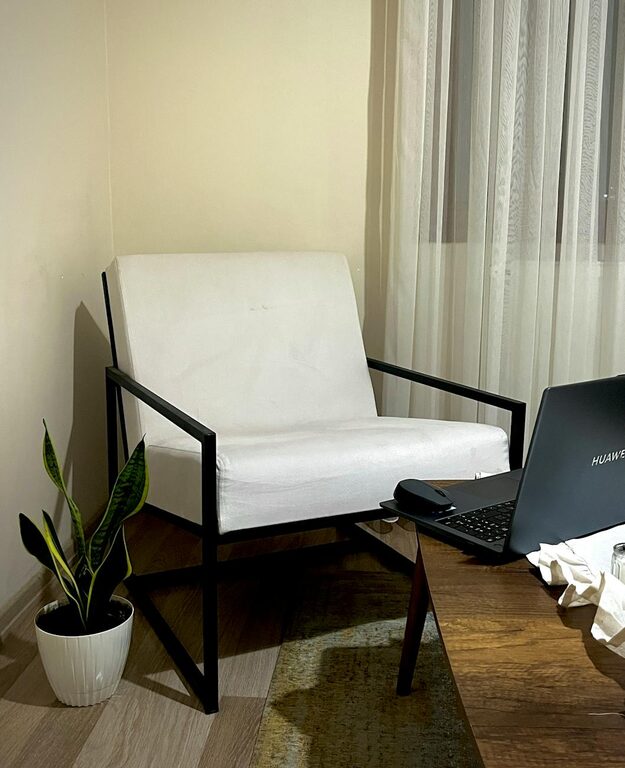
Select a spot in your home where noise and interruptions are minimal. This could be a spare room, a corner of your bedroom, or even a part of your living room. The key is to find a place where you can focus without being disturbed.
Consider Natural Light
If possible, set up near a window. Natural light improves mood and reduces eye strain. Position your desk so that the light doesn’t cause glare on your screen, which can be distracting or uncomfortable.
Invest in Comfortable Furniture
Ergonomic Chair and Desk
Comfort helps maintain productivity. An adjustable chair that supports your lower back and encourages good posture is invaluable. Your desk should allow enough space for your laptop or monitor, keyboard, and other essentials without feeling cramped.
Keep Your Setup Organized
Use desk organizers, shelves, or drawers to keep supplies neat and within reach. Clutter can be distracting and stressful, so a tidy workspace promotes better focus.
Optimize Your Technology
Reliable Internet and Equipment
Ensure you have a strong internet connection to avoid interruptions during calls or online tasks. Use quality headphones or speakers if you participate in virtual meetings frequently.
Set Up Your Screen Ergonomically
Position your computer monitor at eye level about an arm’s length away. This setup reduces neck and eye strain and helps you maintain a comfortable posture throughout the day.
Create a Routine and Boundaries
Set Regular Work Hours
Define when you start and finish your workday. Sticking to a schedule helps your mind associate your workspace with work time and creates clear boundaries.
Communicate with Household Members
If you share your living space, set expectations about your work hours and the importance of minimizing interruptions. Consider using signs or signals if needed.
Personalize Your Space
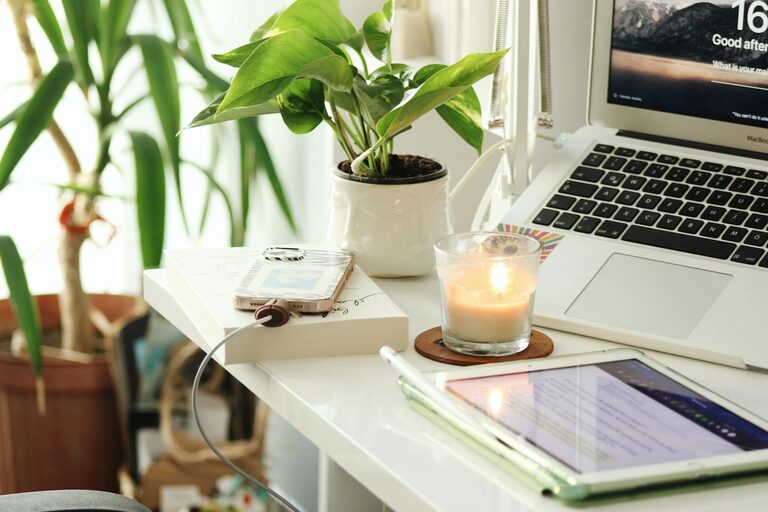
Adding elements that inspire you can increase motivation. This might include plants, artwork, or photos. Choose items that make the space pleasant without causing clutter.
Keep Healthy Habits in Mind
Take Regular Breaks
Step away from your desk every hour to stretch and rest your eyes. Short breaks boost focus and prevent fatigue.
Stay Hydrated and Eat Well
Keep water nearby and plan balanced meals to maintain energy levels throughout the day.
Manage Noise and Distractions
Use Noise-Cancelling Tools
If noise is an issue, consider noise-cancelling headphones or white noise machines to block out background sounds.
Limit Digital Distractions
Use apps or browser extensions to block distracting websites during work hours. Turn off non-essential notifications on your devices.
Lighting and Temperature
Use Task Lighting
If your workspace lacks sufficient natural light, add a desk lamp with adjustable brightness. Proper lighting reduces eye strain and keeps you alert.
Maintain Comfortable Temperature
A room that’s too hot or cold can reduce productivity. Adjust fans, heaters, or air conditioning to create a comfortable working environment.
Keep It Flexible
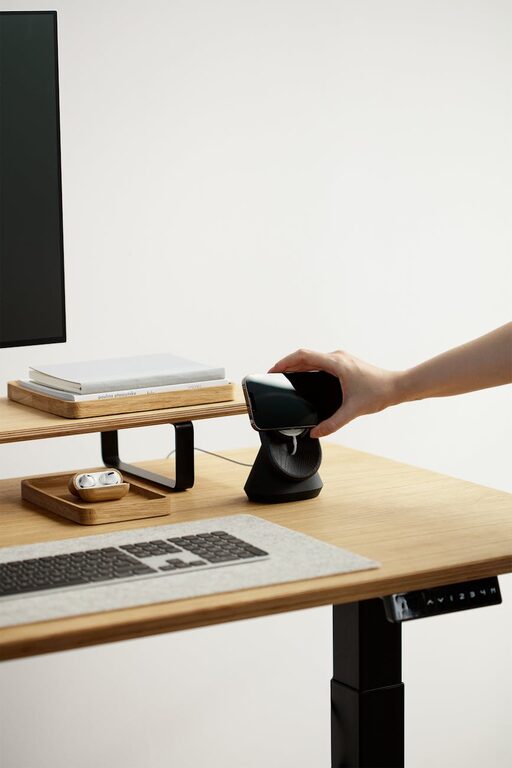
If your work varies, consider a setup that allows easy adjustments. A standing desk or an adjustable chair can change positions throughout the day, which can improve comfort and focus.
Final Thoughts
A productive home workspace doesn’t have to be elaborate or expensive. With simple adjustments focused on comfort, organization, and minimizing distractions, you can create an environment that supports your best work. Start by finding your ideal spot, equip it thoughtfully, and build routines that help you stay on track. Your home office can become a space where creativity and efficiency thrive.